No items in cart
Buy 2 Get 1 Free
Add 3 products to the cart and get the cheapest for free at checkout.
Add 3 products to the cart and get the cheapest for free at checkout.

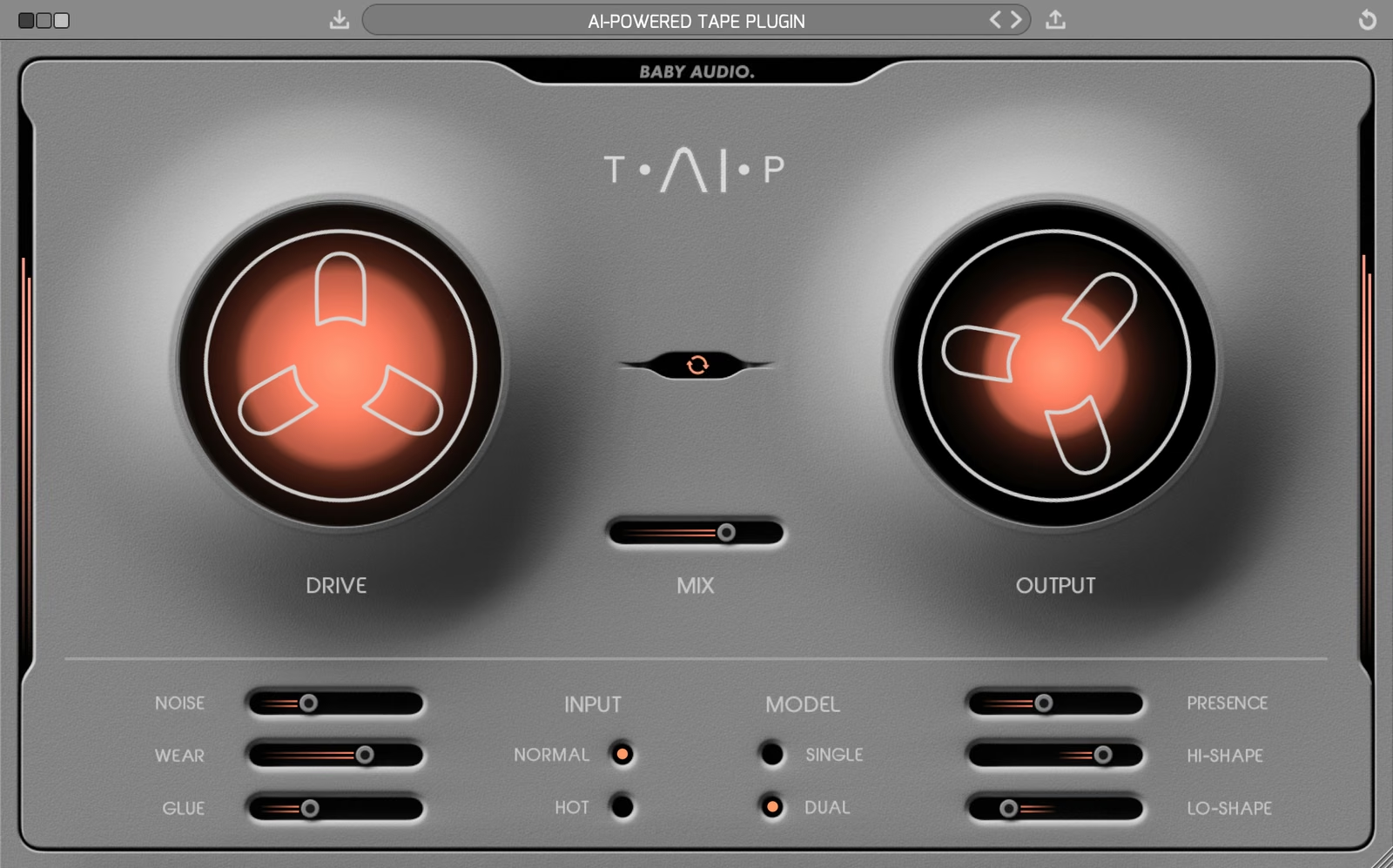
Tape recordings have a musical quality that digital tracks often lack. TAIP brings you closer to that holy grail. It will add some authentic analog heat to your mixes, without the need to route any audio outside the box.
Tape plugins are not a new concept. However, our emulation method is. Instead of using traditional DSP, we’ve developed TAIP around an AI algorithm designed to decipher the invisible nuances of complex analog circuits.
The result is a unique, truly faithful tape emulation – with some new features to accommodate a modern workflow. Use TAIP to add a touch of warmth and glue, or ‘drive it like you hate it’ as an alternative to your distortion plugins.
Welcome to TAIP—an AI-powered tape emulation plugin.
To get started, insert TAIP on any track or bus and turn up the Drive knob to add tape color, from a subtle touch of heat to heavy distortion. Switch the Input to Hot for an even more driven sound, and engage Auto Gain to keep the output level consistent as you push the Drive.
Choose Single for a regular tape emulation, or Dual to chain two tape emulations together for slightly more weight.
Fine-tune where the saturation lands with the Lo-Shape and Hi-Shape sliders, and use Presence to bring back the high end that tape naturally softens. Add Glue for tape-style compression.
For more vintage character, add tape hiss with Noise and the wobble of a worn-out machine with Wear. Finally, use the Mix slider to blend the processed signal with the dry track.
Add Drive and Glue to a drum bus to bring the kit together with tape-style saturation and compression. Pull back the Lo-Shape slider to warm up the drums without adding too much distortion to the low end.
Use a moderate Drive setting to add analog warmth to vocals, guitars and keys. Use Presence to keep them bright and clear in the mix.
Add a subtle touch of Drive and Glue on your mix bus for that cohesive, recorded-to-tape sound. Engage Auto Gain so you can compare levels fairly.
Switch the Input to Hot, select the Dual model and push the Drive to use TAIP as a characterful alternative to your distortion plugins.
Engage Wear for the wow and flutter of a malfunctioning tape machine. Bring the Mix below 100% to blend it with the dry signal for a classic tape flanging effect.
‘AI’ is an overused – and often misused – term. But we believe it’s the future of music technology. It just needs to be used genuinely and with a legitimate purpose.
For a hardware emulation project like TAIP, AI offers an alternative – and in our opinion more faithful – approach over the traditional DSP method. Where a normal DSP emulation would entail ‘guesstimating’ the effect of various analog components and their mutual dependencies, we can use AI / neural networks to accurately decipher the sonic qualities that make a tape machine sound and behave in the way it does. This happens by feeding an algorithm various training data of dry vs. processed audio and working with it to identify the exact characteristics that make up the difference. Once these differences have been learned by the AI, we can apply them to new audio.
This process may sound overly digital for a plugin that brings an analog sound. But the reality is that ‘analog’ and ‘digital’ are two fundamentally different domains, and to get a computer to behave (or sound!) in a certain way, it helps to think like it does. Re-creating an ‘analog-style’ signal path in DSP is thinking about the problem like a human. The AI approach helps us solve the problem like a machine would – for a more faithful emulation.
TAIP is our attempt at creating the ideal ‘Tape Machine’ for the DAW era, combining a vintage sound with a modern feature set. Its parameters will let you customize the right tape flavor for almost any need.
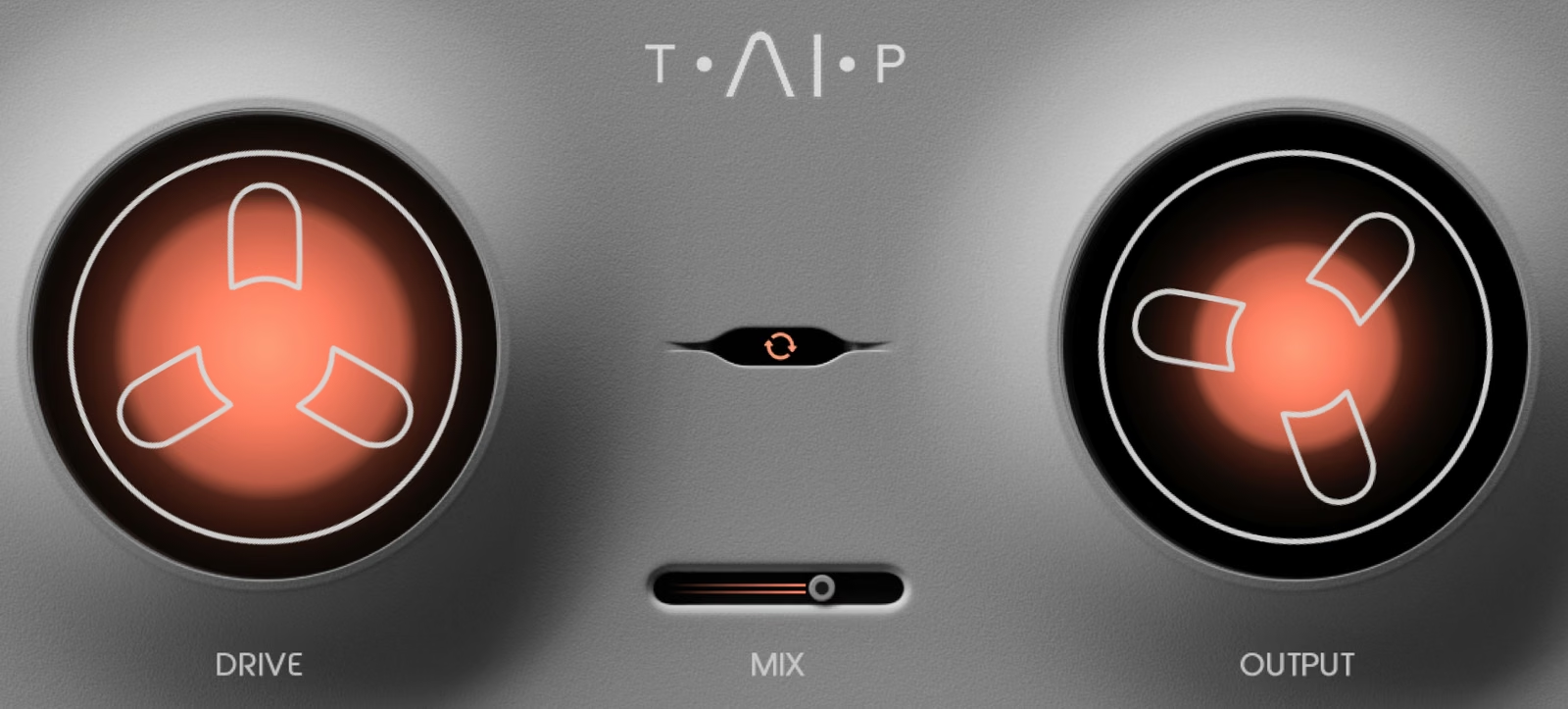
Traditionally, tape machines were designed to color the sound as little as possible. TAIP is not. You can use the Drive knob to add just as much color as you need – from a subtle touch of heat to heavy distortion.
Lets you run your tape in parallel. If Wear is engaged, you can use Mix to get a classic ‘tape flanging’ effect. This is caused by the wow and flutter of Wear running in parallel with the dry track when Mix is below 100.
Adjust TAIP’s global output level.
Allows you to add more Drive while keeping a consistent plugin output level.
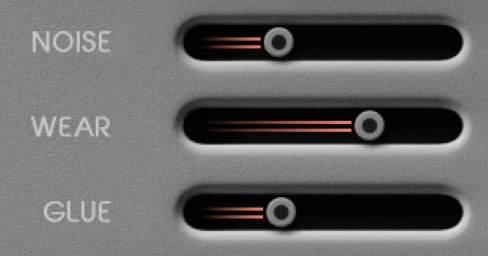
Lets you add tape noise to taste – or avoid it altogether.
Combines wow, flutter and an altered frequency response curve to emulate a malfunctioning tape machine.
Tape machines are known to introduce a pleasing compression-like effect due to their low dynamic range. TAIP lets you add this effect – or even exaggerate it. Use Glue for subtle cohesion or as an actual compressor.
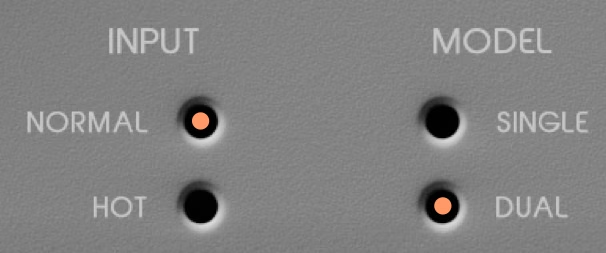
Choose between Normal or Hot (more distorted) input levels without affecting the output volume.
While Single is a regular tape emulation, Dual creates a series of two tape emulations chained together under the hood, each applying half of the Drive value. This will add slightly more weight to your signal.
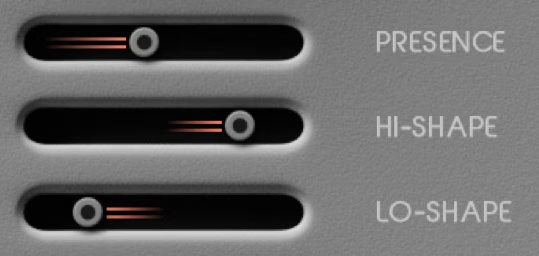
Part of the tape warmth comes from an attenuated high end. Presence allows you to decide how much of that attenuation you want. It can bring back the sharpness and brightness that is sometimes lost on tape.
These sliders let you saturate the low/high end more or less than the rest of the frequency spectrum. (Example: you want to warm up a drum bus without adding too much distortion to the low frequencies.)
TAIP comes loaded with 135 presets created by Baby Audio and some friends of the house. We want to give a special thanks to all preset creators for their contribution.
Download instructions are emailed to you right after your purchase, however you can always go to www.babyaud.io/account for the latest software updates. After downloading, unzip the file and select either Mac or PC depending on your system.
If you have an active subscription to the Plugin Collection Plan, TAIP will appear in your Baby Audio Manager app for download.
Make sure your machine is registered, get the software by clicking ‘Download’ and follow the instructions to install.
Activate your software by entering the license key that was provided in your account when you bought TAIP. Serial keys are entered in the ‘trial mode’ open screen. If you have any problems activating, please email support@babyaud.io.
If you’re running TAIP in trial mode, please note that the trial will output 5 seconds of silence every 60 seconds. To buy the full version, go to: https://babyaud.io/taip-plugin
Please read our End User License Agreement here: babyaud.io/eula
Have fun using TAIP! If you run into any issues or have questions along the way, you can always contact us at support@babyaud.io.


.png)