No items in cart
Buy 2 Get 1 Free
Add 3 products to the cart and get the cheapest for free at checkout.
Add 3 products to the cart and get the cheapest for free at checkout.

.png)
A muddy mix can ruin an otherwise great song.
When your low end lacks punch and essential elements like bass and vocals feel dull and distant, something has gone wrong with your mix.
So what’s the root cause of muddy sound? How can you avoid it and what can you do to fix muddiness when it appears in your mix?
In this article I’ll explain the main factors that contribute to a muddy mix and break down the best ways to get pro-level clarity and punch for your songs.
Let’s get started.
Muddiness in mixing refers to excess energy concentrated in the low midrange of the frequency spectrum.
Muddiness is considered the opposite of clarity, and the term offers a powerful visual metaphor for sound that feels messy, sludgy and indistinct.
Muddy sound can quickly build up if not dealt with, so it's usually considered a telltale sign of an inexperienced mix engineer.
And while not every track needs pristine clarity across the board, too much muddy sound can dilute your song’s impact and cause listeners to lose their connection to the material.
Muddiness happens because of a psychoacoustic phenomenon called auditory masking.
When two sounds have competing energy in similar areas of the frequency spectrum, it becomes harder to hear them distinctively when they are blended together.
This makes intuitive sense to most producers. Even so, many underestimate how much overlap occurs between the typical sound sources in a mix.
Most sounds contain a broad distribution of energy throughout the spectrum, with at least some content present in the extreme high and low frequencies. Just because a sound doesn’t play a bass instrument role, it doesn’t mean that it won’t contain any low frequencies!
In fact, a key cause of muddiness is the failure to appropriately filter excess low frequency energy from sources that don’t require it in the mix.
If too much low and low-midrange energy makes it into your finished mix, your sources will mask each other when combined at the master bus.
The result is a tubby, indistinct quality instead of the punchy and controlled lows and mids you hear in pro mixes.
With the basics out of the way, fixing a muddy mix isn’t difficult if you understand the causes of muddiness and how to reduce their impact.
Here are five tips to help you combat muddy sound for a better mix.
Filtering out unnecessary frequencies is one of the primary tasks in preparing a mix.
Just like you would trim clips on the timeline to delete unnecessary noise, you should also clean up the extreme ends of the frequency spectrum with low and high-pass filters.
To start, the vast majority of mixes do not need to contain much content under 40 Hz. The human ear can only perceive frequencies starting at about 20 Hz, and only the most impressive listening systems can accurately reproduce frequencies under about 35 Hz.
Unless you’re working in a genre that explicitly calls for ultra-low subs, you’re probably safe to remove much of this information with a high-pass filter.
A general rule of thumb is to use a 24 dB/octave high-pass filter on all the individual tracks in your session. Set the cutoff frequency for each source by bringing it up slowly with your eyes closed and stop when you can audibly perceive the sound becoming thin.
You may be surprised how far you can take it before the impact becomes obvious!
Some mixers take this approach even further and say that nothing except the kick and bass should have any energy below 150 Hz. This may not be practical for every genre, but it will certainly ensure your kick and bass have room to command the low end.
Boomy resonance is another key contributor to muddiness. It can show up in many of the different sources you encounter in your mix.
Resonances occur where frequency energy builds up in areas that don’t reinforce the important harmonics in the sound.
Some sounds contain natural resonances that need to be controlled, while others are caused by issues with the environment where the sound was recorded.
Resonances can lead to harshness, like the kind that can show up in a vocal track when the mic was a poor match for the singer.
But more often, resonances appear in a sound’s low midrange and contribute to muddiness throughout the mix.
You can reduce the amount of low-mid content with EQ, but just cutting frequencies may not be enough to fix resonances without altering the basic character of the sound.
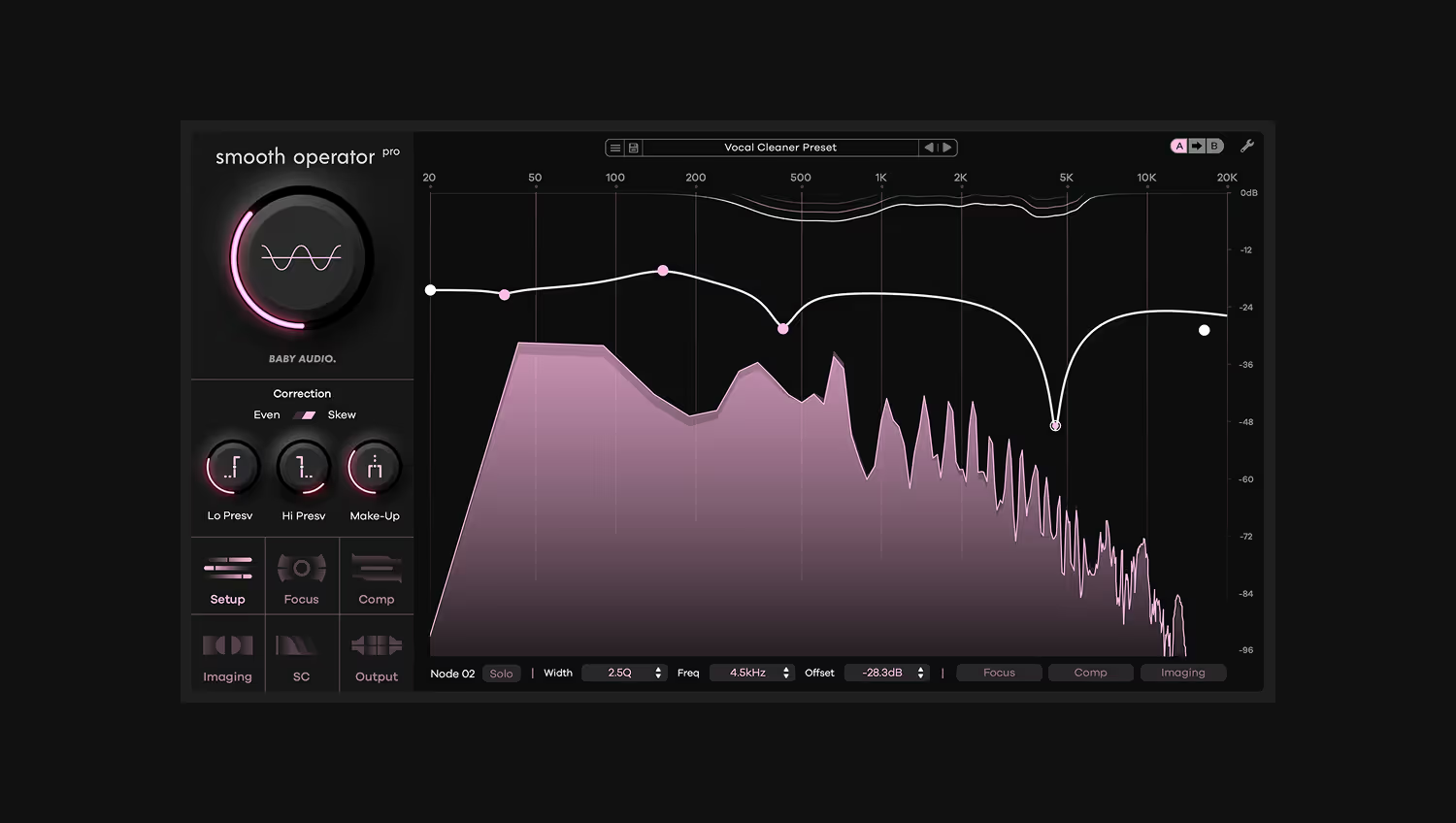
We built Smooth Operator Pro to make it easier than ever to reduce resonance while maintaining a transparent sound.
Instead of simply attenuating the level of the signal like an EQ, Smooth Operator Pro works directly on the problem harmonics and rebalances them to fix issues.
Check out this real world example to see how it helps with muddy sound:
If you’re struggling with problematic resonances, try Smooth Operator Pro for free to see what it can do in your own tracks.
When you’re just getting started with mixing, it might be tempting to solo each track and EQ it to sound more pleasing.
But if you’re not listening in the context with the other tracks, you may be doing more harm than good.
As I mentioned before, some sounds may naturally include much more low end then they require in the mix. After cutting it appropriately, some sources may sound surprisingly lean when heard in isolation.
Similarly, pokey midrange boosts may appear boxy in solo, but could work perfectly well when heard in context.
Resist the temptation to make major EQ moves when tracks are solo’d and listen instead in context with the rest of the mix to decide.
The key properties of a good mix are complimentary to one another and can interact in ways that aren't intuitive at first.
Although most producers understand that a great mix needs powerful lows, many intermediate mixers underestimate how much high end must be added for a convincing pro sound.
Even with a controlled low end, you mix can feel muddy if there’s no sense of extension in the top end. This occurs when the majority of the mix's content feels bunched up in the lows and mids.
At least some sources in your mix require augmentation of the high frequencies to achieve a balanced feel, so don’t be afraid to boost where additional brightness is called for.
For example, consider gentle boosts in the 10-12 kHz area for sources like vocals that need extra air and sparkle to sit in the mix.
Counterintuitively, adding more extension to your top end can give the perception of additional space in the lows and mids.
It’s easy to associate muddiness primarily with EQ issues, but poor dynamics can contribute to the problem as well.
Compression is a necessary tool to control the dynamic range of your sources, but you can take it too far if you’re not careful.
Aggressive compression with high ratio values and fast attack times can bury a sound’s transient and leave it sounding flat.
This is especially important for drum sounds that need at least some dynamic range to punctuate the instruments in the mix.
When everything is overcompressed, your mix will feel sluggish and congested, which can compound the effect of muddy tracks.
Be careful with compression and try to keep transients from getting too squashed on your drums and percussion.
Where heavy compression is required, it's worth considering parallel techniques to make sure some punch is preserved.
Muddiness can be a frustrating problem, but it’s not difficult to fix once you know the underlying cause.
Knowing how to address muddiness where it’s likely to appear is an important skill for producers and mix engineers.
If you make use of the five key tips in this article, you’ll never have to worry about ending up with a muddy mix.
Now that you understand the basics, get back to your mix and clear out some mud.
Smooth Operator Pro is a powerful mixing tool for achieving cleaner mixes. It's advanced spectral dynamics processing easily elimintes mud and harsh resonances while leaving your sounds intact. With deep flexibility and state-of-the-art performance, Smooth Operator Pro is resonance suppression 2.0.


.png)

.avif)